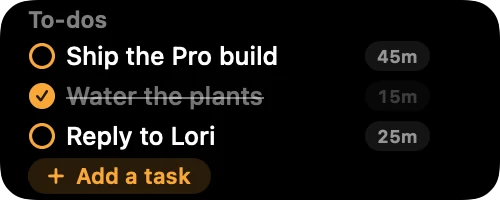
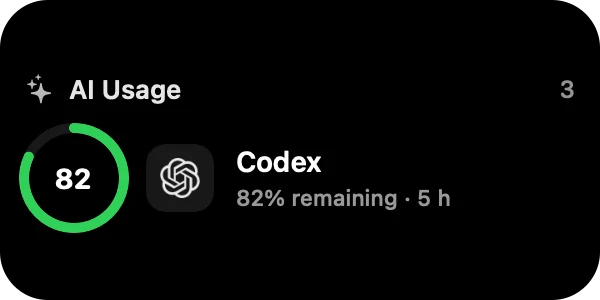
 Live
Live
Rooftop RainLate Night Tapeslo.cafe
01
Control your music
Play, pause and skip without leaving what you're doing.
Version 2.0 available
Try every feature free for 48 hours. No card required.
NotchNook Pro 2.0
The latest version, straight from us.
Download NotchNook ProRequires macOS 14.6 or later. For Macs with Apple silicon.
 NotchNook Classic 1.6.14Prefer the original?NotchNook Classic is the classic app so many of you fell for: lighter, simpler, and still right at home under your notch.Download NotchNook Classic
First launch
macOS checks new apps once and asks you to confirm.
Open the downloaded file and drag NotchNook Pro into your Applications folder.
Open NotchNook Pro from Applications.
When macOS says it was downloaded from the internet, click Open.
Pro and Classic use separate licenses. A Classic key does not activate Pro, and buying Pro does not cancel an existing Classic subscription.
Recover your license →Once it's running
Move the pointer to the notch and the Nook opens. These two are live, go ahead and play.
Live01
Play, pause and skip without leaving what you're doing.
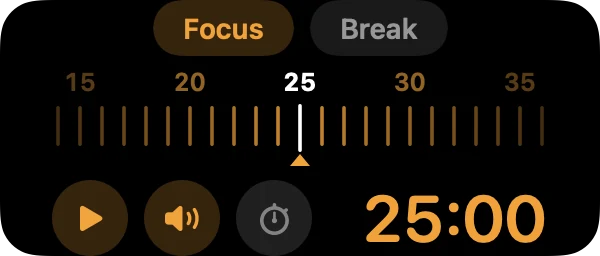
Live02
Pick Focus or Break, drag the ruler to set the minutes, then Start.
Edit Workspace
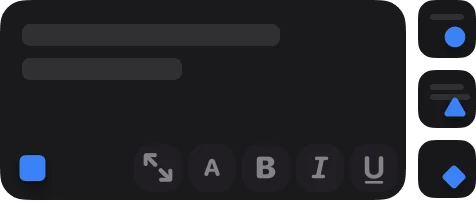
Right-click the notch and pick Edit Workspace to see every widget. Drag a couple into the Nook, move them around, or drag one out to remove it.
48-hour free trial
Every feature is included. After the trial, choose a subscription or a one-time lifetime license. Downloading never starts a charge.